Baker Library
Baker Library is Harvard Business School’s library and archive: databases, case requests, study spaces, special collections and digital exhibits. The redesign brought it onto the school’s design system, built for hbs.edu, and had to cover what a library needs that the system didn’t yet have.
- 164
- Databases in one filtered list
- 10
- Services under one roof
- 1
- Design system, shared with hbs.edu
The system00
hbs.edu’s design system, extended with the components a library needed and one exhibit template.
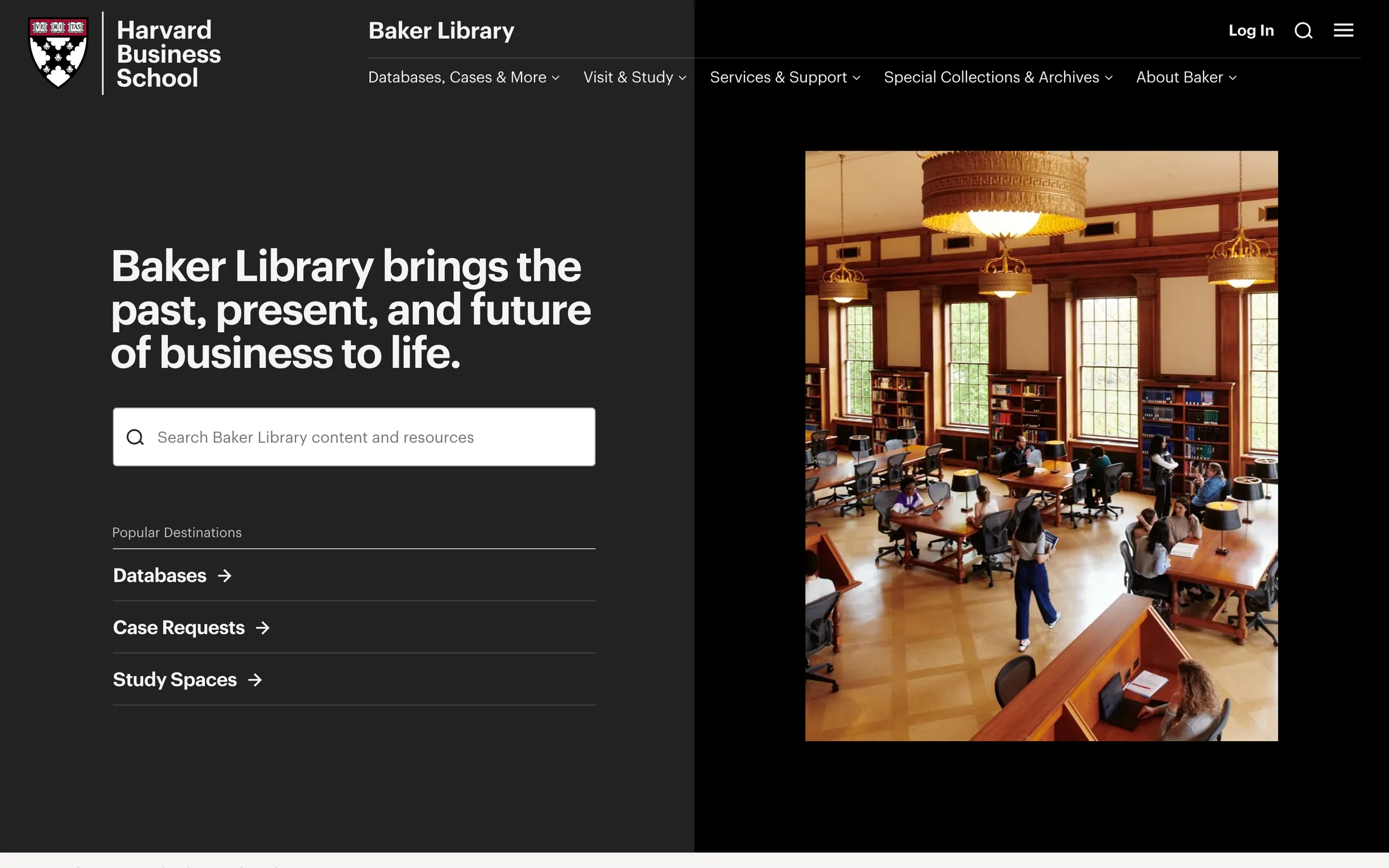
At Upstatement, I adapted hbs.edu’s design system to the library, keeping its header, type and crimson so the library reads as part of HBS. Where the system had no answer, I designed new components: today’s hours, a database finder filtered by affiliation and access, the Special Collections & Archives section, and a reusable exhibit template.
Built on the school’s design system01
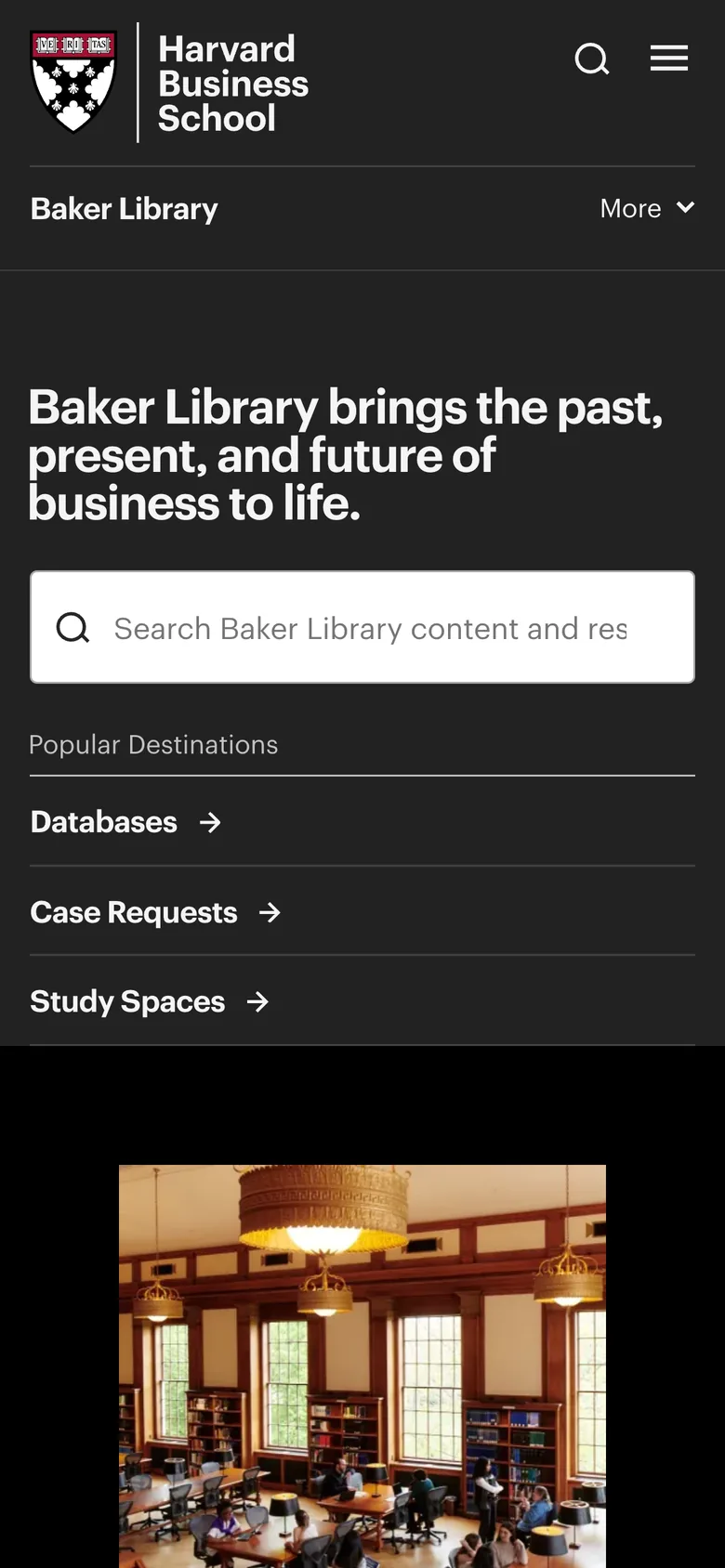
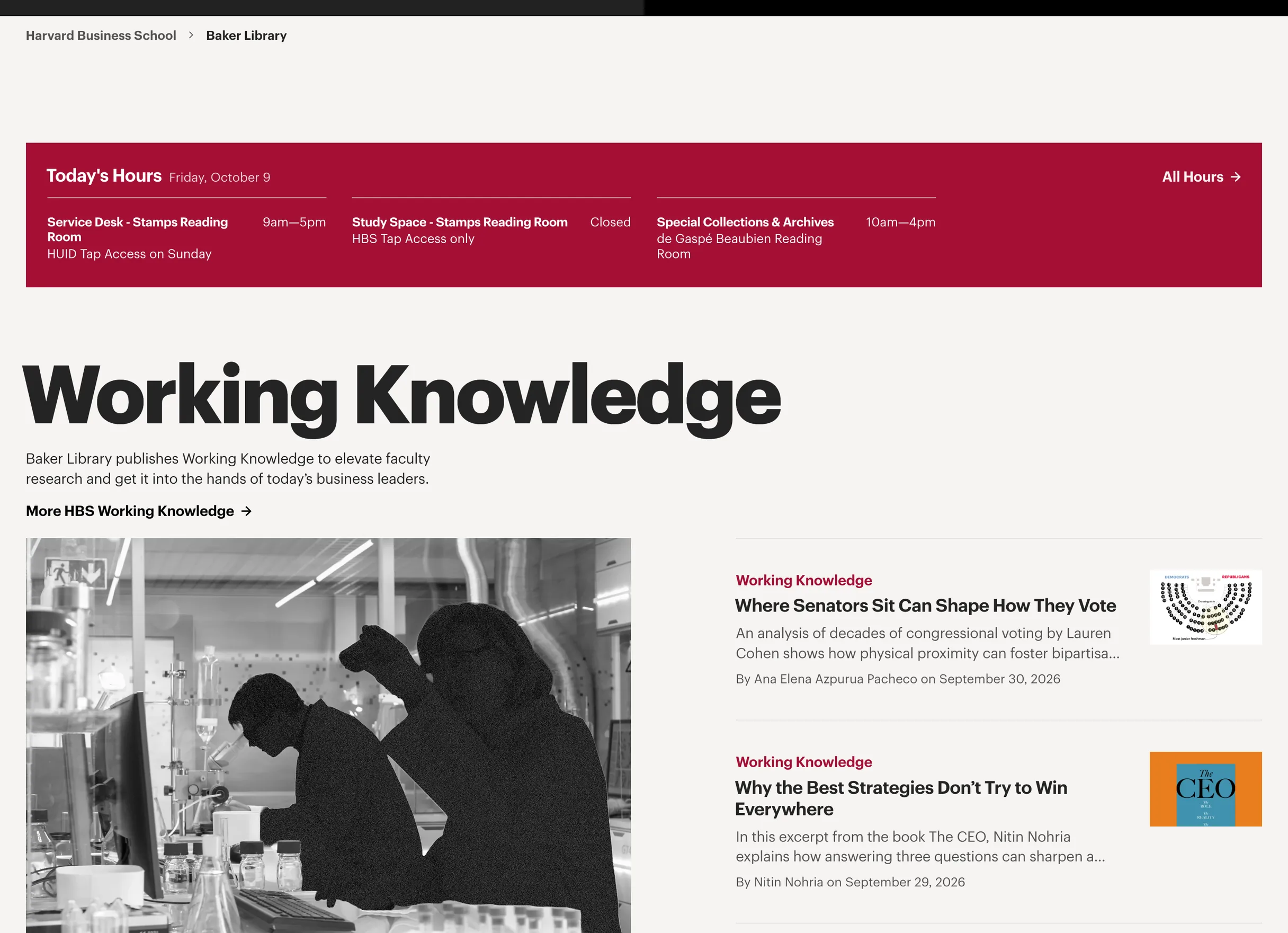
The library adopted hbs.edu’s system as it stood: header, type and crimson. It adds components of its own where the library needed them, starting with today’s hours under the search and a feed of HBS Working Knowledge stories.
Databases filtered by who you are02
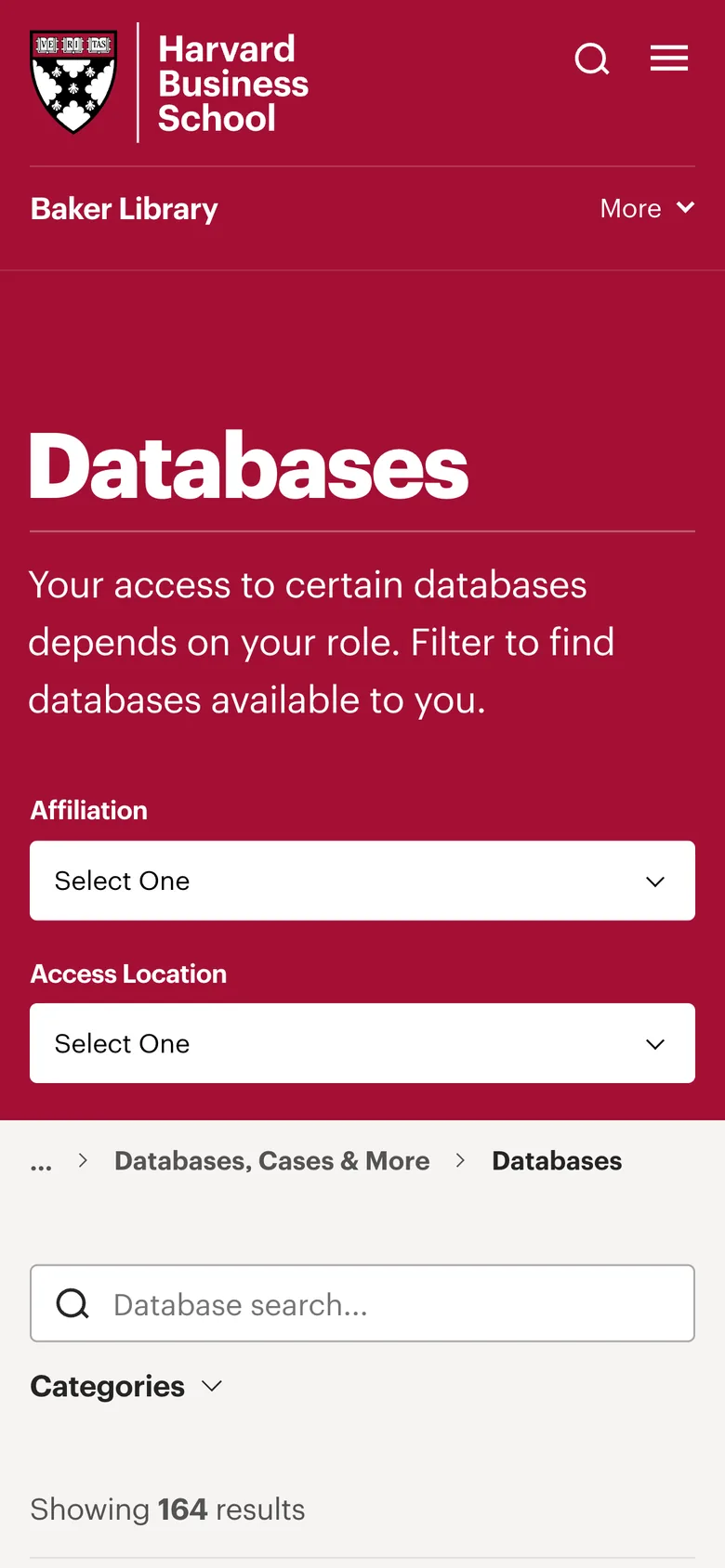
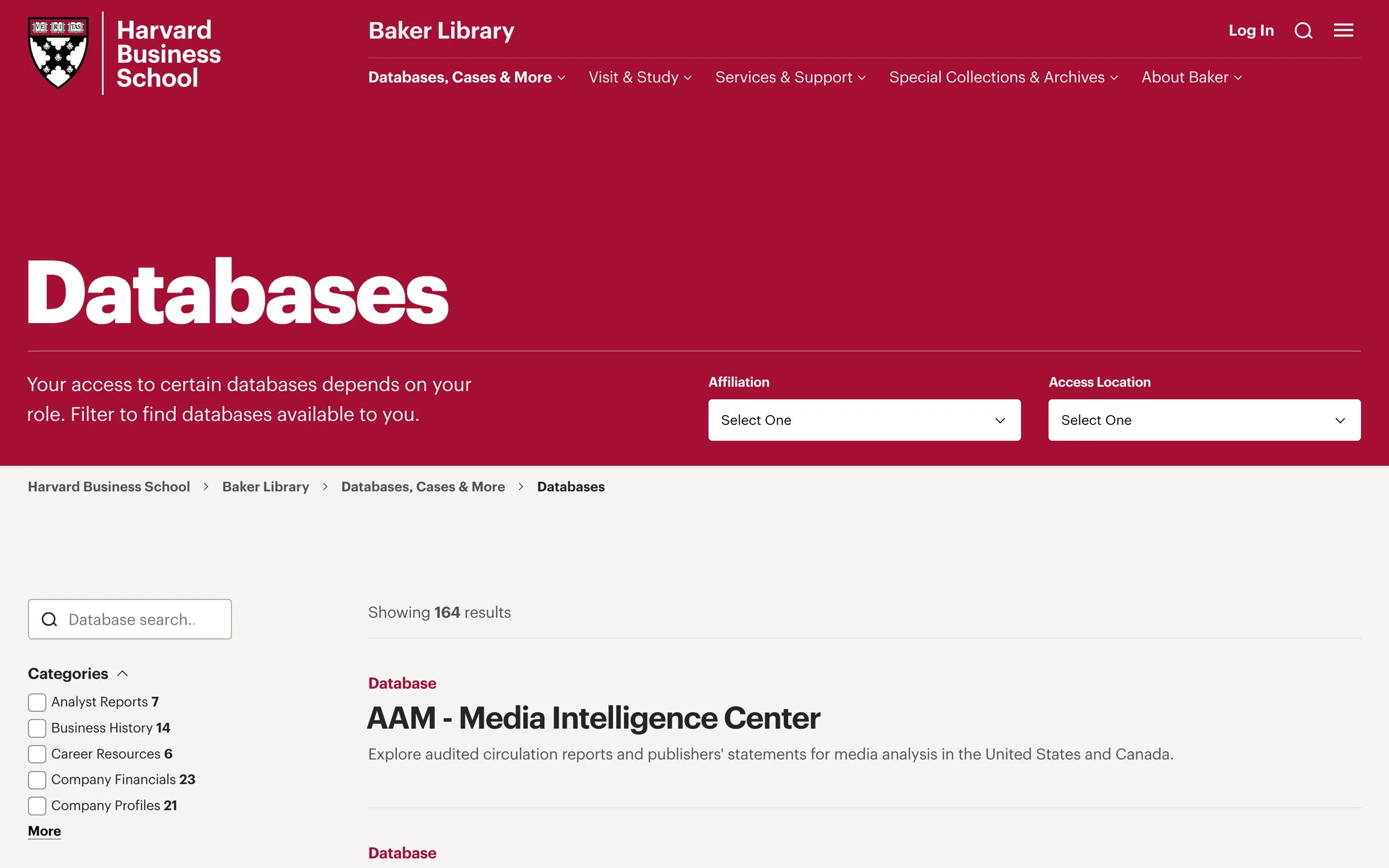
Access depends on your role and where you are, so the 164 databases filter by affiliation and access location first, then by category, with search alongside. Visitors narrow the list to what they can actually open.
New components for Special Collections03
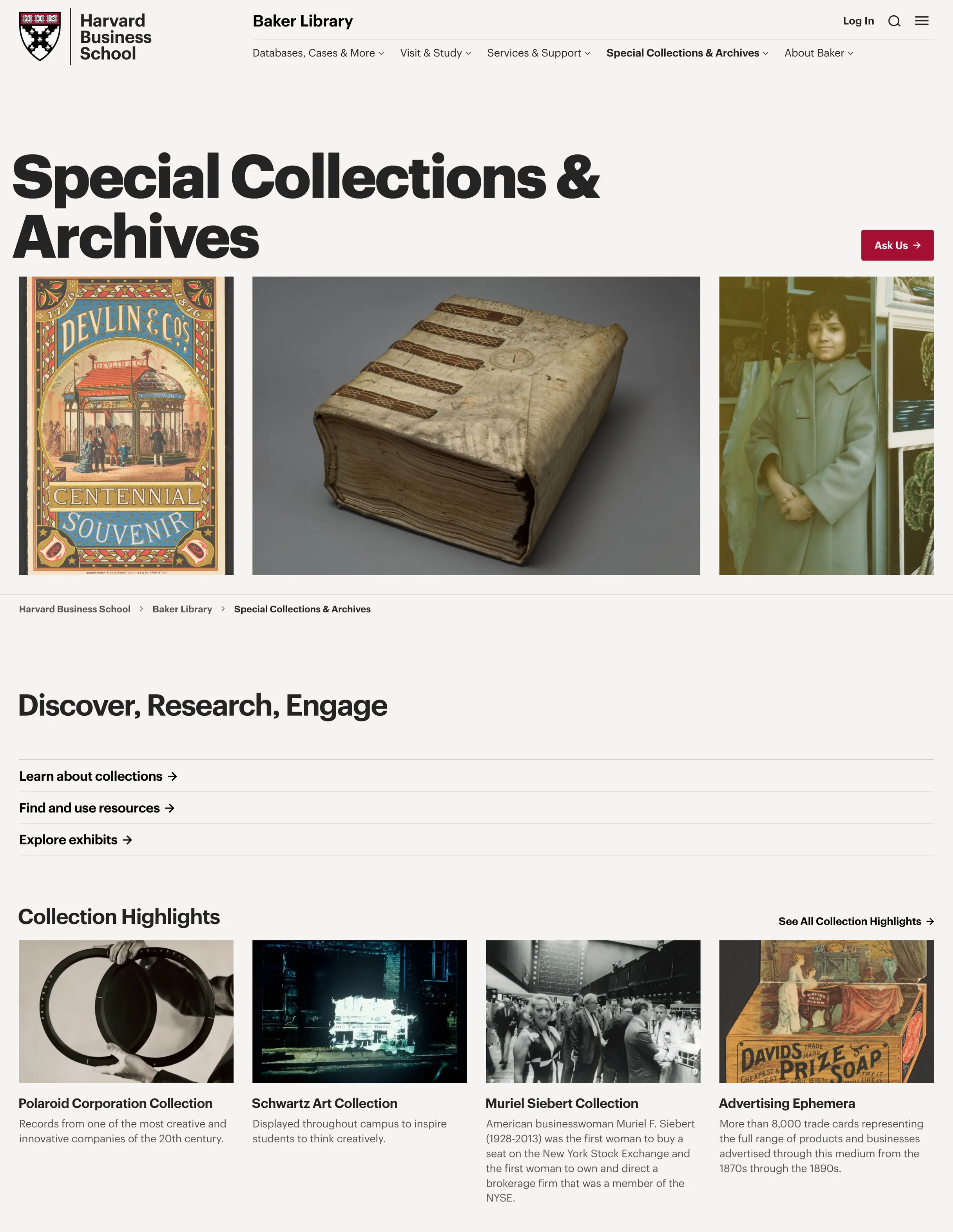
Special Collections & Archives needed parts the system didn’t have: an object collage to open the section, then collection highlights and exhibits.
One exhibit template, many identities04
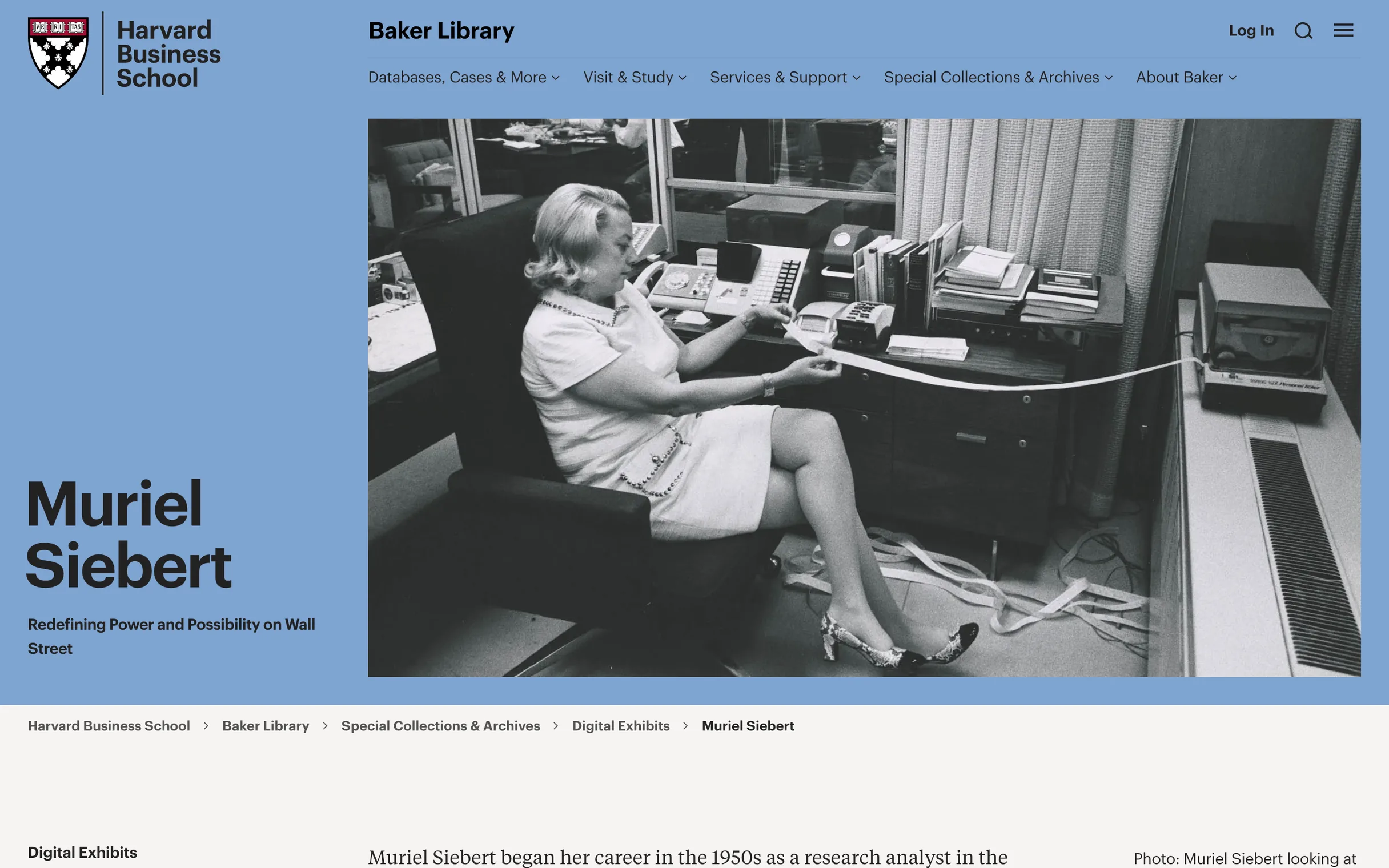
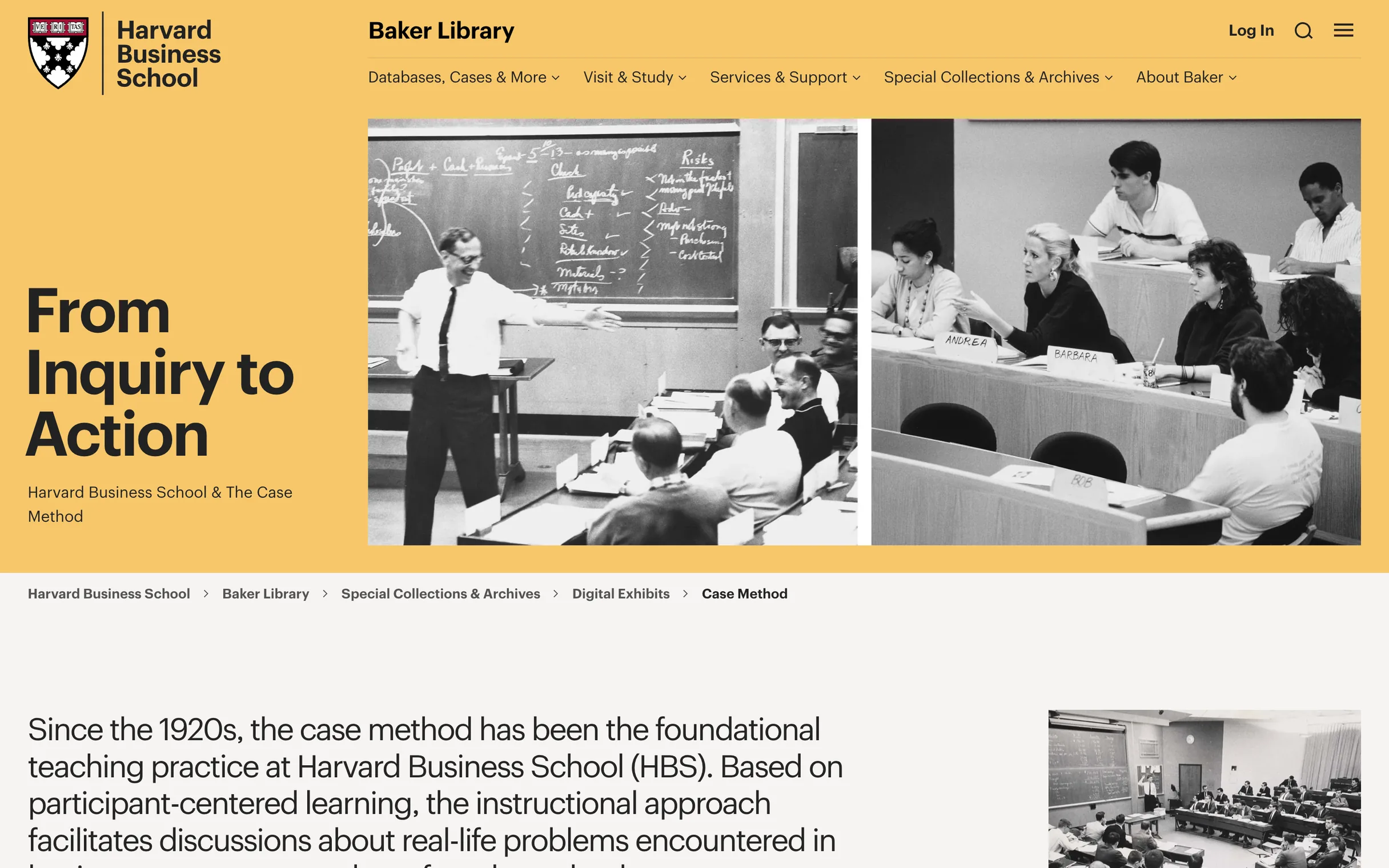
Every digital exhibit uses the same template, set in its own color: the case method in yellow, Muriel Siebert in blue. A new exhibit needs a palette, not a new design.
Tools first on mobile05
On a phone, the search and the database filters come before anything else, so the library’s main tools are on the first screen.